 sales@batterydeji.com
 English


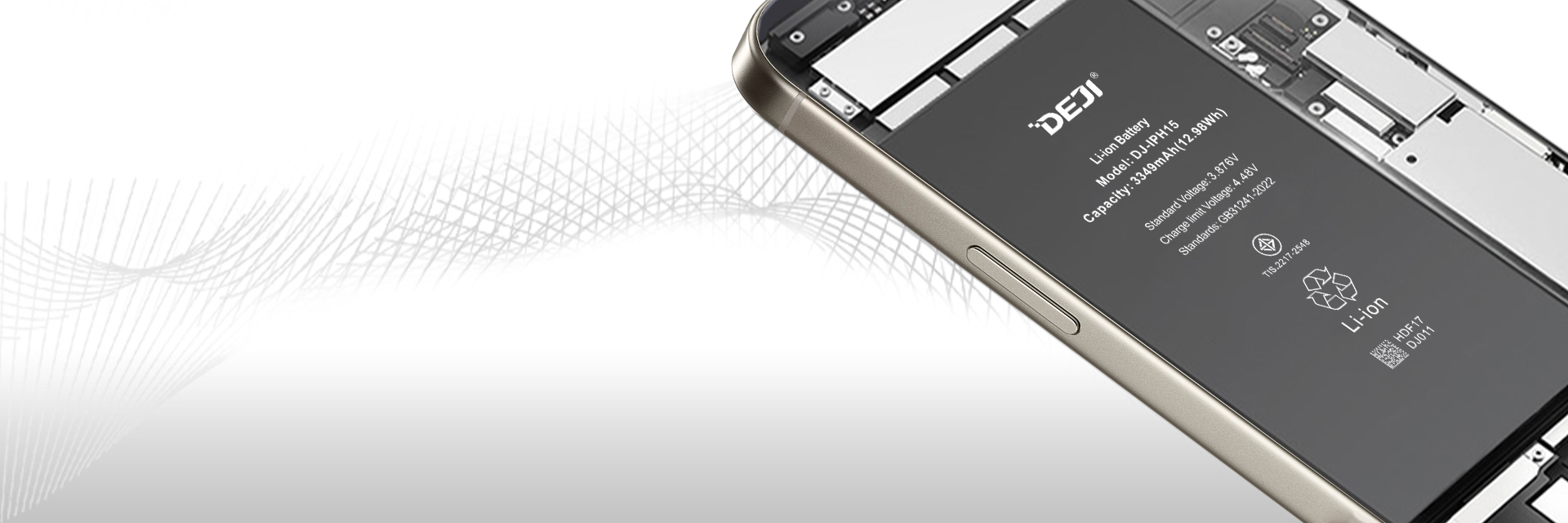

Every Samsung phone starts out with solid battery life, but no lithium-ion pack stays at 100% capacity forever.
Most of the time, battery issues don’t pop up out of nowhere , they creep in slow, and a lot of customers don’t even realize something’s off until their daily routine gets disrupted.
They’ll walk into your shop saying things like “my phone dies way faster than it used to,” “the battery percentage jumps from 30% straight to 0%,” or “it shuts down out of nowhere even when it says there’s still power left.”
These are some of the most common battery replacement walk-ins you’ll see, and being able to tell normal wear apart from a real failing unit makes your recommendations way more trustworthy.
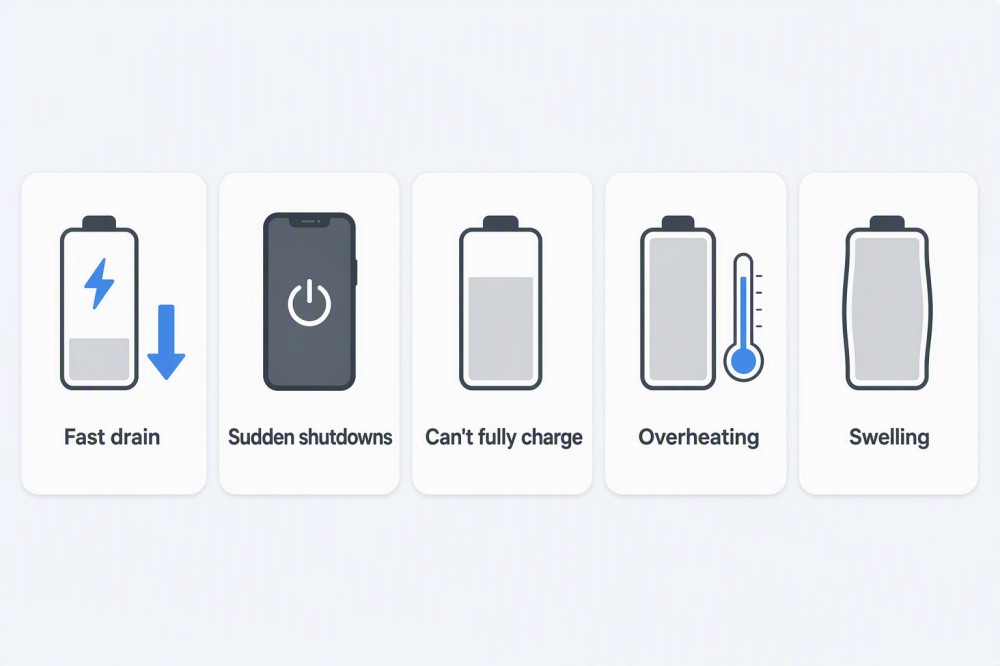
Here are the 5 most common signs that a Samsung battery may need replacement — and what to do next.
Sign 1: Your Samsung Battery Drains Much Faster Than Before
What You Can Do?
Before replacing the battery, check whether the problem comes from software or the battery itself.
Try these steps:
| Step | Solution |
|---|---|
| 1 | Check Settings → Battery to find apps using excessive power |
| 2 | Update apps and Samsung One UI to the latest version |
| 3 | Reduce unnecessary background activity and location services |
| 4 | Test battery performance after a full charge |
| 5 | If battery life remains poor after optimization, consider battery replacement |
If the phone is several years old and battery drain happens even with normal usage, the battery capacity has likely decreased.
Solution: Replace the aging battery with a quality replacement battery that matches your Samsung model.
Sign 2: Your Samsung Phone Shuts Down With Battery Remaining
Unexpected shutdowns usually happen when an aging battery cannot provide stable power during high-demand situations.
What You Can Do?
Try:
| Step | Solution |
|---|---|
| 1 | Test the phone after charging to 100% |
| 2 | Check whether shutdown happens during gaming, camera use or cold temperatures |
| 3 | Run Samsung Members battery diagnostics if available |
| 4 | Check charger and charging accessories |
| 5 | Replace the battery if shutdowns continue |
A factory reset usually cannot fix battery capacity loss.
Solution: A battery replacement is normally the correct repair when the cell can no longer maintain stable output.
Sign 3: Battery Percentage Jumps or Charging Is Abnormal
Battery percentage problems can make users unsure about how much power they actually have.
Examples:
-
50% drops to 20% quickly
-
Battery stays at one percentage for a long time
-
Phone reaches 100% but loses power quickly
What You Can Do?
| Step | Solution |
|---|---|
| 1 | Try another original or high-quality charger and cable |
| 2 | Clean the charging port carefully |
| 3 | Restart the phone and check again |
| 4 | Monitor charging behavior for several days |
| 5 | Replace the battery if the issue continues |
A worn battery may no longer maintain a stable charging curve.
Solution: Installing a new battery can restore more predictable charging and battery percentage behavior.
Sign 4: Samsung Phone Gets Hot During Normal Use
Some heat during charging or gaming is normal.
However, overheating during simple tasks may indicate a battery or hardware issue.
What You Can Do?
| Situation | Solution |
|---|---|
| Heat only during fast charging | Use a suitable charger and avoid charging in hot environments |
| Heat during gaming | Reduce workload and allow the phone to cool |
| Heat during normal use | Check battery condition |
| Heat with fast battery drain | Consider battery replacement |
Additional steps:
-
Remove thick protective cases while charging
-
Avoid charging under pillows or in enclosed spaces
-
Keep the phone away from extreme temperatures
If overheating continues, the battery should be inspected.
Sign 5: Samsung Battery Is Swollen
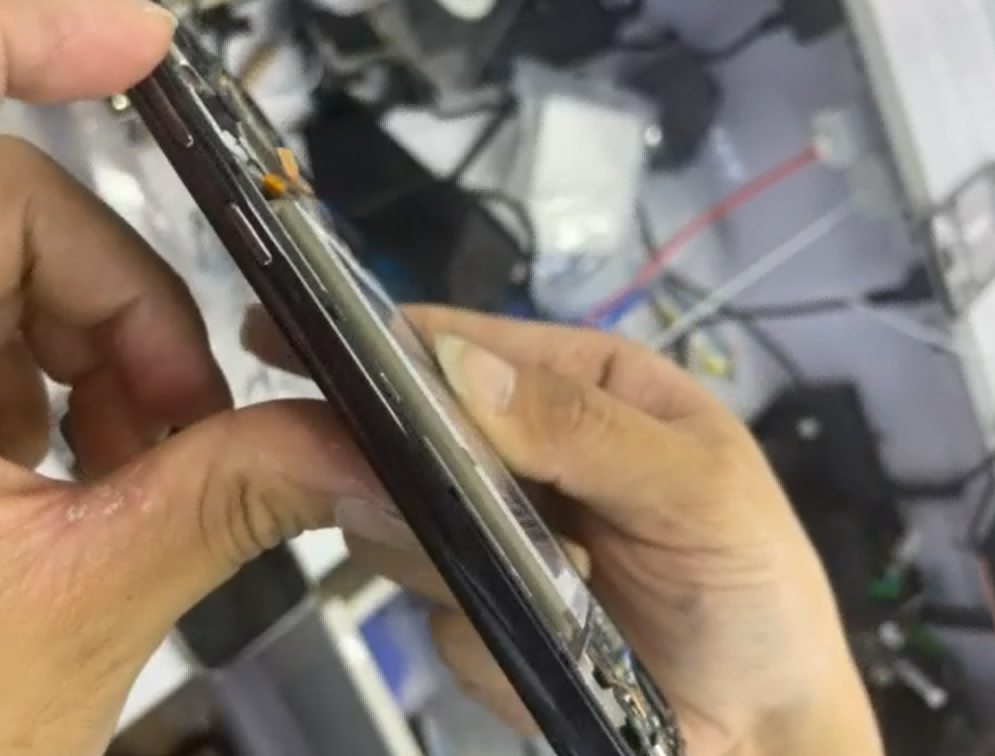
A swollen battery requires immediate attention.
What You Can Do?
| Action | Recommendation |
|---|---|
| Stop charging | Prevent further stress on the battery |
| Turn off the phone | Reduce safety risks |
| Do not press the battery | Physical pressure can damage the cell |
| Do not continue using the device | Swelling will not repair itself |
| Replace the battery | Use a qualified repair service |
Solution: Battery swelling cannot be fixed by software updates or charging adjustments. The battery must be replaced.
Samsung Battery Troubleshooting Guide
| Problem | First Step | Final Solution |
|---|---|---|
| Fast battery drain | Check battery usage | Replace aging battery |
| Random shutdown | Test under load | Replace weak battery |
| Battery percentage jumps | Check charger/cable | Replace unstable battery |
| Slow charging | Check accessories and port | Diagnose battery and charging system |
| Overheating | Reduce heat sources | Inspect battery condition |
| Swollen battery | Stop using immediately | Replace battery |
Before Replacing a Samsung Battery: 5 Things to Check
For repair shops, don't replace a battery based on one symptom only.
Check:
1. Battery Age
Older batteries are more likely to have reduced capacity.
2. Customer Usage
Heavy gaming, navigation and video use naturally consume more power.
3. Phone Condition
If the screen, motherboard and cameras work well, battery replacement is often worthwhile.
4. Battery Quality
A replacement battery should have:
-
Accurate capacity rating
-
Stable cell quality
-
Proper protection circuit
-
Warranty support
5. Correct Model Matching
Always confirm:
-
Exact Samsung model
-
Battery model number
-
Original capacity
-
Connector position
-
Physical dimensions
How to Check Samsung Battery Health
Unlike iPhones, Samsung Galaxy phones usually do not display a simple battery health percentage in the settings menu.
Users can check battery information through:
Settings → Battery
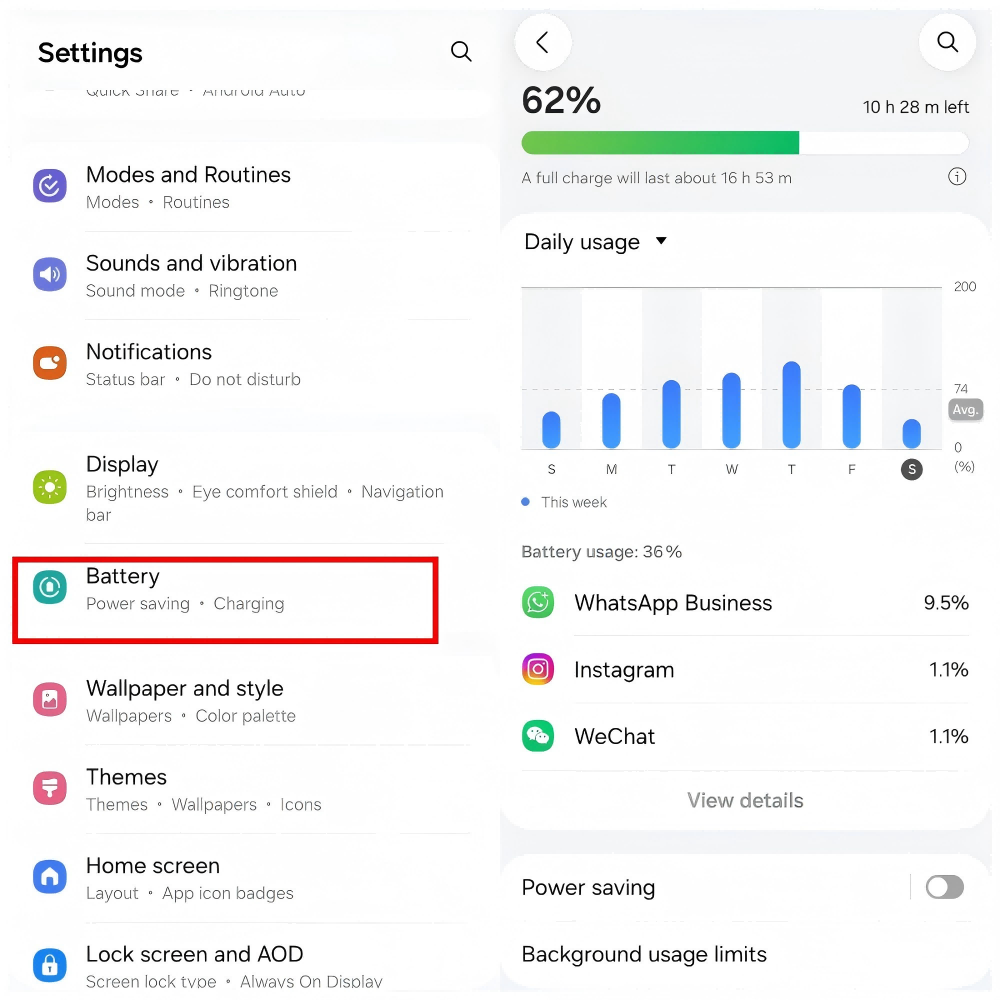
Samsung Members may also provide battery diagnostics on supported devices.
Third-party battery apps can estimate battery capacity, but results may vary depending on usage history and testing methods.
For repair shops, actual battery condition should be judged by combining:
-
Battery age
-
Customer usage symptoms
-
Diagnostic results
-
Physical inspection
When Should You Replace a Samsung Battery?
There is no single battery percentage that applies to every Samsung model.
A replacement is usually worth considering when:
-
Battery life has noticeably decreased
-
The phone requires multiple charges per day
-
The device shuts down unexpectedly
-
Charging behavior becomes abnormal
-
The battery is swollen
The customer's daily experience matters more than one number.
Buy a new phone vs Replacement Battery: What Should You Choose?
Many Samsung users ask whether they should replace the battery or buy a new phone.
| Situation | Recommended Choice |
|---|---|
| Phone works well but battery is weak | Replace battery |
| Screen and camera are still good | Replace battery |
| Phone has major hardware problems | Consider upgrading |
| Device is only a few years old | Battery replacement can extend lifespan |
A battery replacement can often give a well-maintained Samsung phone another period of reliable daily use.
Choosing a Quality Samsung Replacement Battery
Not all replacement batteries are the same.
For repair shops and customers, the most important factors are:
| Check Point | Why It Matters |
|---|---|
| Real manufacturer | Ensures product traceability |
| Accurate capacity | Avoids misleading specifications |
| Cell quality | Affects lifespan and stability |
| Protection circuit | Helps ensure safe operation |
| Testing process | Improves consistency |
| Warranty support | Reduces after-sales risk |
A reliable supplier should provide clear product information, testing details and warranty support.
DEJI Samsung Replacement Batteries
For repair shops, distributors and professional technicians, having a stable battery supplier is just as important as product quality.
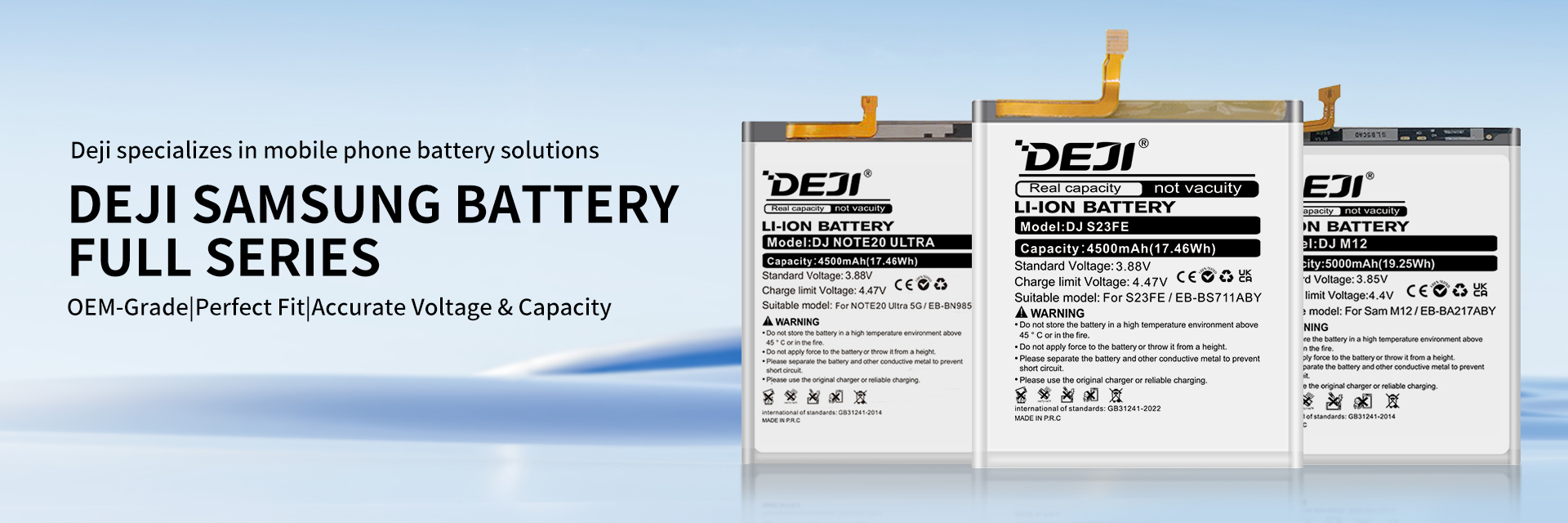
DEJI provides Samsung replacement batteries designed for different Galaxy models, including standard-capacity and high-capacity options.
The focus is not only on capacity numbers, but also:
-
Consistent quality
-
Reliable specifications
-
Proper battery fit
-
Stable supply
-
Warranty support
A good replacement battery should help customers keep using the devices they already trust.
FAQ
How do I know if my Samsung battery is bad?
Common signs include fast battery drain, unexpected shutdowns, unstable battery percentage, overheating and swelling.
At what percentage should I replace a Samsung battery?
There is no fixed percentage for every device. Around 80% of original capacity is often used as a general reference, but real usage problems are more important.
Is a swollen Samsung battery dangerous?
Yes. Stop using and charging the device immediately. A swollen battery should be replaced by a professional.
Will a replacement Samsung battery work normally?
A quality replacement battery designed for the correct Samsung model can provide normal daily operation when properly manufactured and installed.
How long does a Samsung replacement battery last?
Battery lifespan depends on battery quality, usage habits, charging conditions and temperature. A properly manufactured replacement battery should provide reliable performance under normal use.
A Samsung battery usually gives warning signs before it completely fails.
If your phone drains quickly, shuts down unexpectedly or shows physical battery changes, the battery may be the main reason behind the problem.
For customers, replacing the battery can be a practical way to extend the life of a good phone.
For repair shops, choosing a reliable battery supplier is the key to providing consistent service and building customer trust.