 sales@batterydeji.com
 English




How Much Battery Health Loss Is Normal After One Year on an iPhone? Here’s the Real Answer
Many iPhone users notice their battery health dropping to around 90% after a year and start worrying:
“Is something wrong with my phone?”
“Did I charge it the wrong way?”

In most cases—this is completely normal.
This article breaks down what iPhone battery health actually means, how much decline is normal, what causes faster aging, and when you should consider replacing your battery.
What Exactly Is iPhone Battery Health?
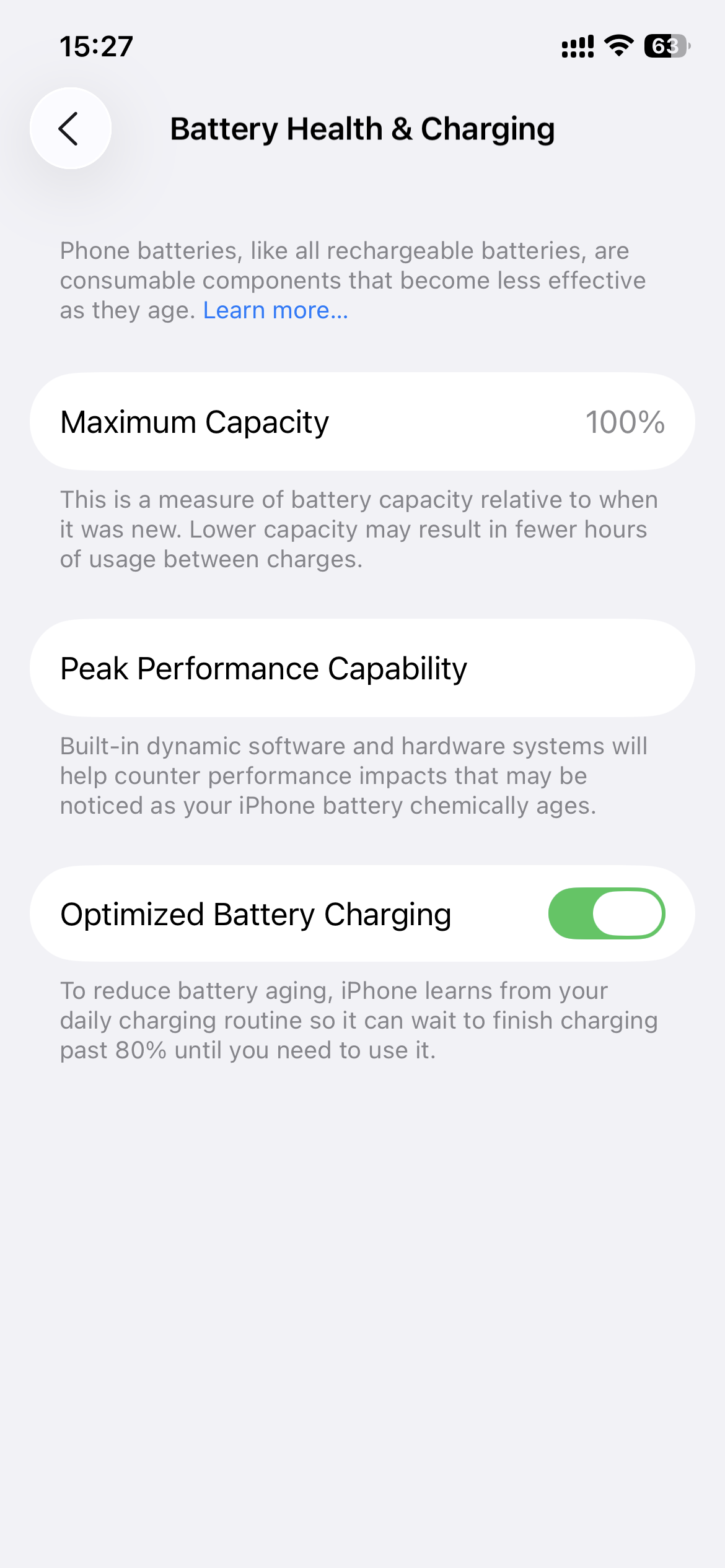
iOS provides the “Battery Health” feature to show the battery’s current maximum capacity and performance level.
But here’s the most misunderstood point:
Battery Health ≠ Actual Battery Capacity Percentage
A brand-new iPhone battery usually has a physical capacity of 102%–103%, but the system caps the displayed value at 100%.
That’s because battery health is calculated through Apple’s internal algorithm—a combination of usable capacity and performance degradation.
It’s an *indicator*, not a precise measurement of total physical capacity.
So battery health should be seen as a reference number rather than an exact scientific value.
How Much Battery Health Loss Is Normal After One Year?
According to Apple:
A 10% drop within one year is normal under regular daily use.
In real-world usage:
Based on user reports, typical decline ranges are:
5%–10%: Very normal
10%–15%: You’re likely a heavy user
15%+: Charging habits or high-temperature usage may be the cause
After around 500 charge cycles, lithium batteries naturally begin to age more noticeably.
What Causes iPhone Battery Health to Drop Faster?
Frequent or fragmented charging
Charging multiple times a day (20% → 60% → 85% → 50% → 90%) increases chemical stress on the battery.
High-temperature usage
This includes:
* Using the phone while charging
* Playing games during charging
* Using hotspot for long periods
* Leaving the phone in a hot car
* Recording videos under strong sunlight
Heat is the number one battery killer.
Using low-quality chargers
Non-certified chargers may cause unstable voltage and accelerate battery wear.

Why Is My iPhone Battery Health Decreasing So Fast?
Best Practices to Keep Your iPhone Battery Healthy
Keep battery between 20%–80% when possible
Avoid gaming or heavy use while charging
Avoid charging in hot environments
Use Apple or MFi-certified chargers
Keep iOS updated for battery optimizations
These habits help slow down aging, but remember:
Batteries are consumables.
After 2–3 years, noticeable decline is inevitable.
When Should You Replace Your Battery?
You should consider replacing it when:
✔ Battery health drops *below 80%
✔ Your phone drains much faster than before
✔ The phone slows down or heats up
✔ You see performance management warnings
✔ Charging becomes unstable or inconsistent
For users who rely on their phone heavily—work, travel, gaming—replacing the battery can significantly improve performance and endurance.